Payments
All modules
Receive an online payment with the payment link
Payments · 3 of 5 · 5 min read
The payment link lets a customer pay an invoice or an order online, without an account and without signing in to Archimedes. The customer opens the link, chooses a payment method and pays the amount shown. The payment becomes a transaction that you follow from the Transactions tab.
How the customer reaches the link
Every invoice and every order has its own link, which never changes: whoever opens it sees only that document. You cannot copy the link from the application: the customer reaches it on their own, from one of these places.
- From the customer portal: on the My invoices card of the portal home, a confirmed invoice with an amount still to collect has a Pay button.
- From the online quotation: a customer who opens the quotation they received finds Pay quotation, or Pay deposit with the amount when the quotation asks for a deposit. The button appears while the quotation is draft or sent, not expired and not replaced by a revision.
The button only appears if the organization has at least one usable payment provider and, for a quotation, Offer online payment is on in the sales settings. Without a provider, on the quotation the customer only sees the bank transfer instructions, if Offer bank transfer is on.
Which methods the customer sees
The page lists the payment providers whose status is Enabled or Test Mode. A Disabled provider does not appear. You set the status in the Providers tab, as explained in Configure payment providers.
A provider also appears only if its plugin is active for the organization. If an Enabled provider is missing from the page's methods, ask Archimedes support to activate its plugin.
If no provider is usable, instead of the methods the page says "Online payment isn't available for this document right now." and shows no button to pay.
What the customer sees on the payment page
The Pay securely page shows the document and the amount to pay.
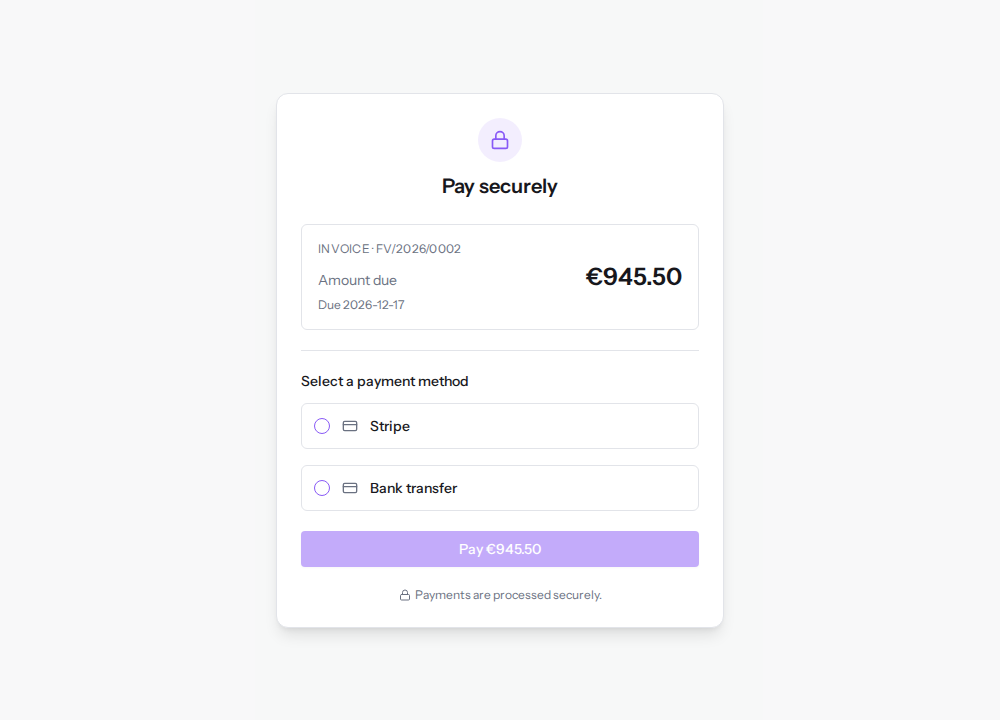
- At the top is the document type and number:
INVOICE · FV/2026/0002for an invoice,ORDER · S00002for an order. - Amount due is what is still to be collected. For an invoice it is the balance, so a partial payment already recorded reduces the amount. For an order that asks for a deposit it is the deposit, with a note under the amount.
- For an invoice, the due date appears after Due.
Archimedes always calculates the amount: the customer cannot change it.
Paying from the link
- The customer chooses a method under Select a payment method, for example Bank transfer. The Pay €945.50 button becomes active.
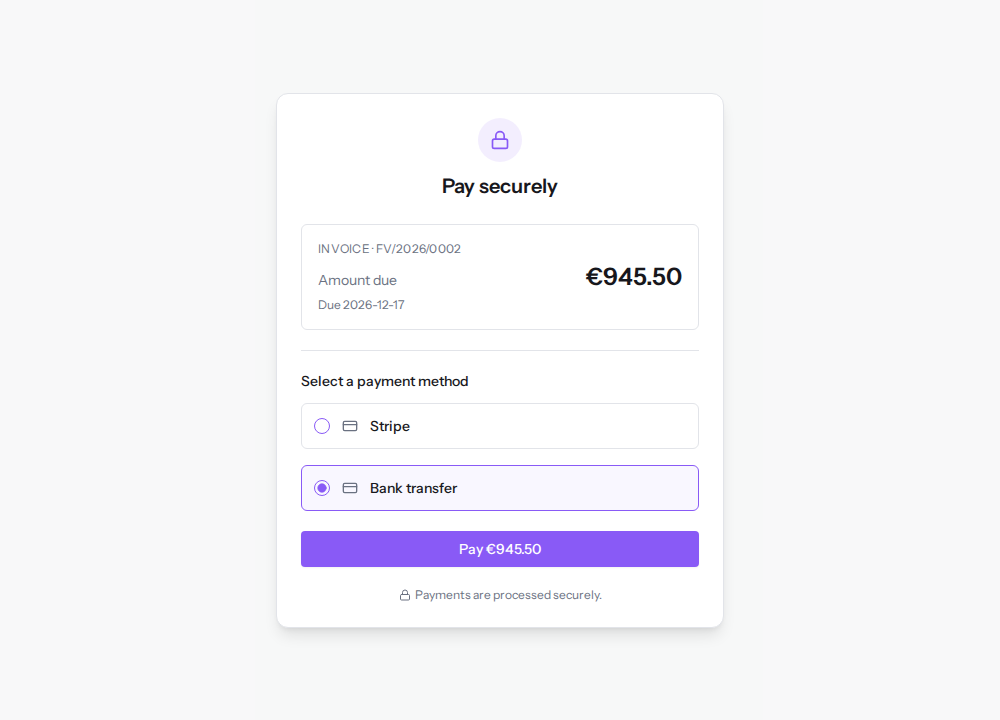
- With Stripe, if the provider has a publishable key, a Card details field appears under the method, where the customer enters their card.
- The customer clicks Pay €945.50.
Archimedes records the payment as a transaction of the document. If the document already has a pending transaction with the same method, the page reuses it instead of creating a new one. In the example, paying FV/2026/0002 reuses TX/2026/00003.
The payment outcomes
After the click the page waits a few seconds for the provider's answer, then shows one of these outcomes.
- Payment received: the provider has confirmed the payment. The page shows the amount and the transaction reference. This is the outcome of a successful card payment.
- Your payment is being confirmed: the payment is recorded but not yet confirmed. This is the outcome of a bank transfer, which stays pending until the money arrives. The page shows the reference, for example
TX/2026/00003.
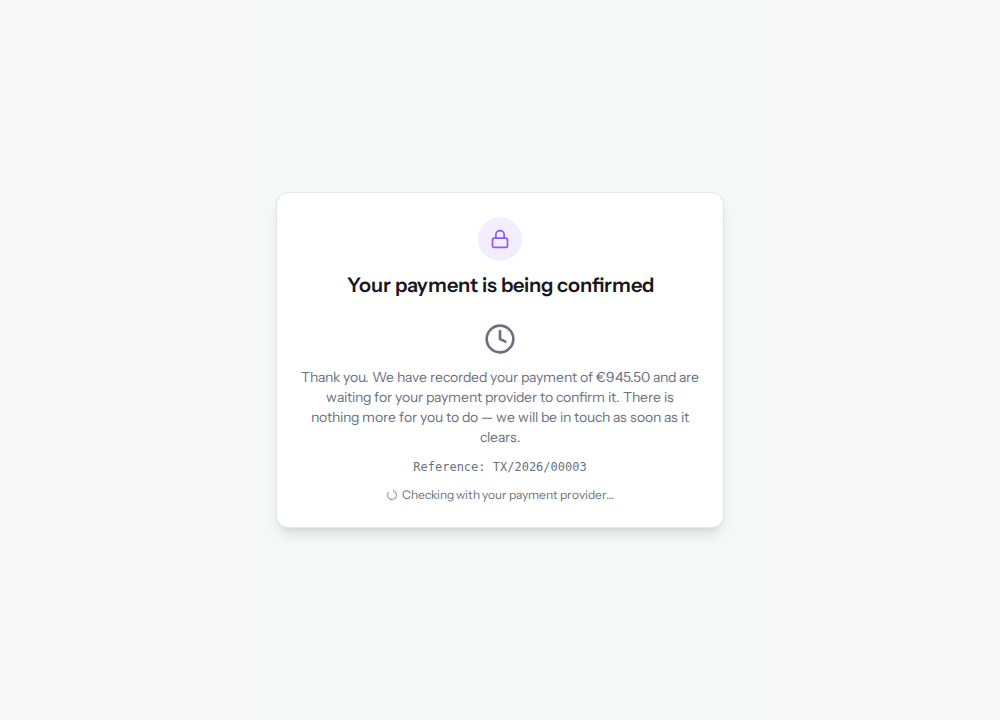
The bank transfer page tells the customer "There is nothing more for you to do", but it does not show them the bank details. Send the customer the bank details and the reference to quote in the payment description yourself.
Until the transfer arrives, the invoice remains unpaid. If the customer opens the link again, the page offers the payment again and they can pay a second time with another method, such as a card.
When the link is opened again
The customer can open the link again at any time. The page shows the document's current status.
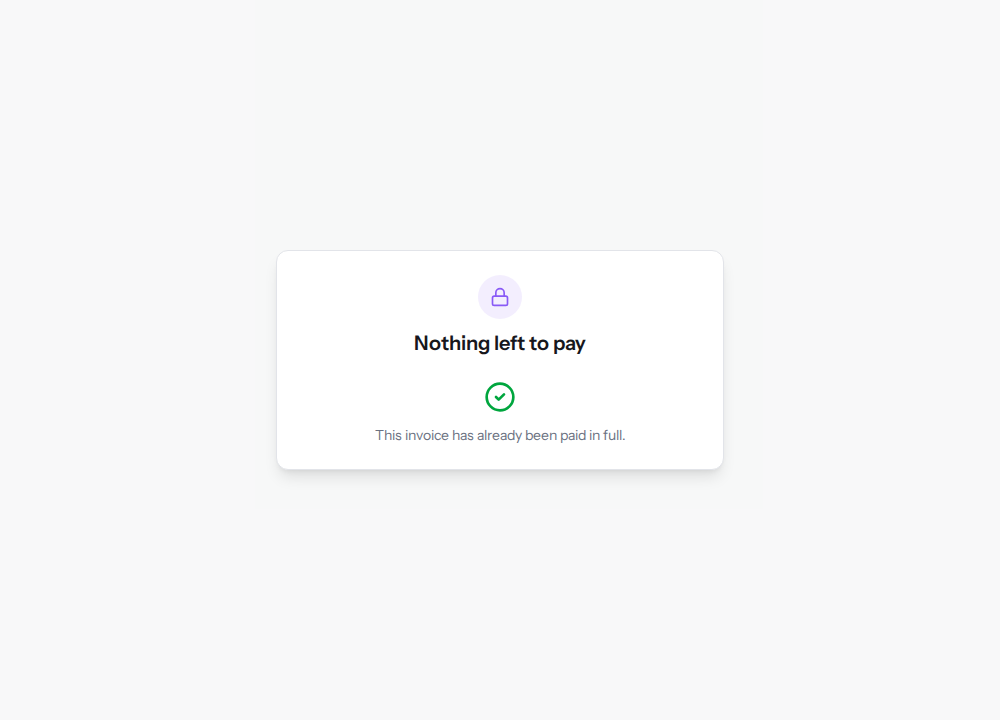
- Nothing left to pay: the invoice or order is already paid in full. The customer cannot pay it a second time.
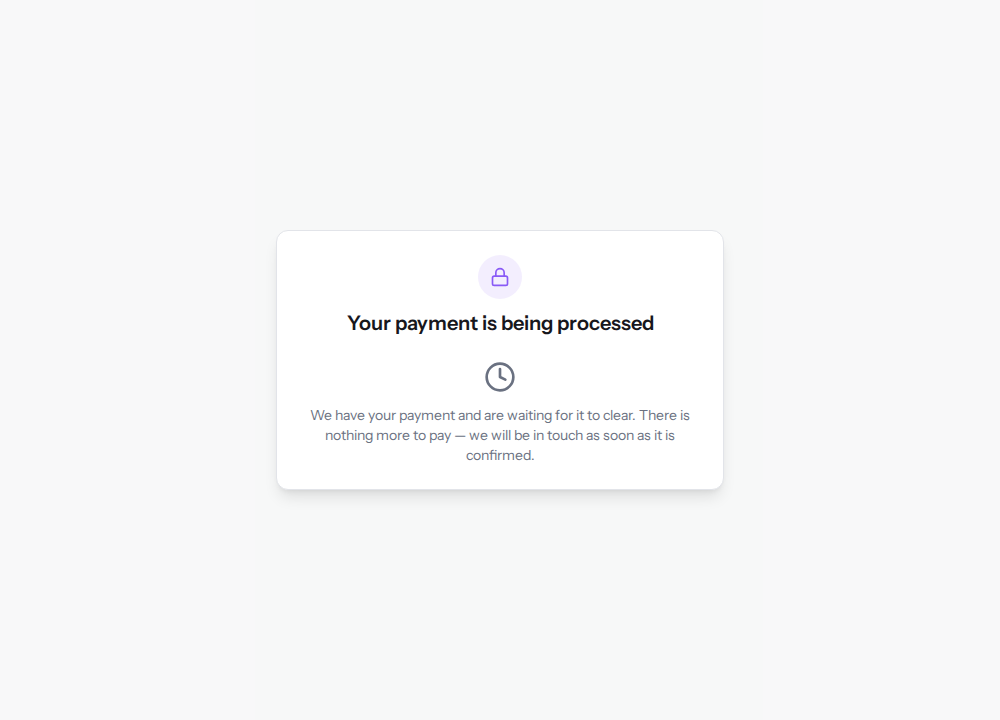
- Your payment is being processed: for an order, a payment has already started and is not yet confirmed, such as the authorized payment of S00002. The page does not offer a second payment, because the customer would pay twice. If the payment is still pending and has not been authorized, My payment did not go through — try again appears: the customer uses it if the payment did not go through, and the form reuses the same transaction if they choose the same method. For S00002, which is already authorized, the button does not appear.
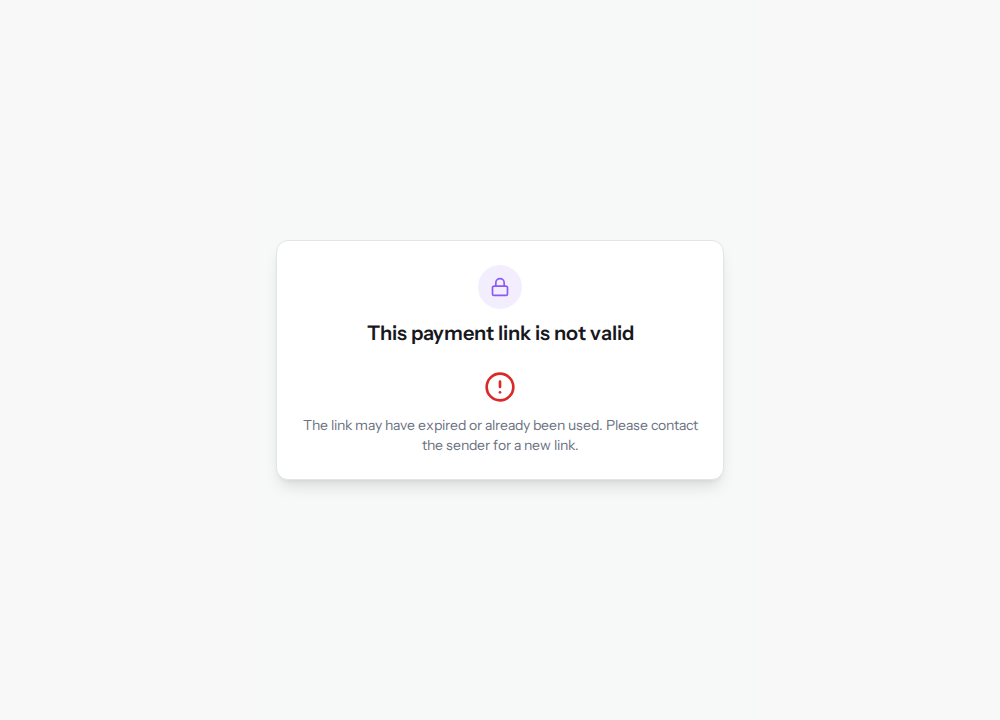
- This payment link is not valid: the link does not match any document, for example because it was copied incorrectly. The customer opens the payment again from the customer portal or from the quotation.
Where you find the payment
Every payment made from the link appears in the Transactions tab of the Payment Settings page, with the reference the customer saw on the page. The status tells you whether the money has arrived: confirmed for a confirmed payment, pending for a bank transfer awaiting the money, authorized for an authorized payment to capture. See Track payment transactions and Capture or void an authorized payment.
See it on your company, not on a slide deck.
In 30 minutes we map the software you use today.We show you how much work and how much margin Archimedes gives back.
Show me on my business →What industry are you in?
One tap — it lets us prepare the demo around your world.
What tools do you use today?
Pick the ones you recognise — or just type them. It helps us show you how they migrate.
Last step: your details.
We reply within one working day — and right after, if you like, you pick the demo slot yourself.
We couldn't send your request. Try again, or write to us at [email protected].
By sending, you agree to your data being processed so we can get back to you about the demo. Privacy notice.
Preview form — nothing is sent from this page.
Want to schedule the demo now?
Your call: book the slot you prefer yourself, or we'll call you to arrange it.
Live availability, 30 minutes, instant confirmation. The calendar opens in a new tab.
Lock in your slot ↗We'll get back to you within one working day — and we'll join the call already knowing your world.
The calendar is open in another tab: pick a slot and the demo is booked. Can't see it? Reopen it ↗
Preview page: nothing was sent.
Our calendar is live: take the slot that suits you and the demo is booked. 30 minutes, instant confirmation, no waiting.
Lock in your slot ↗