Compliance
All modules
Following updates to the standards catalog
Compliance · 6 of 14 · 2 min read
The Compliance changelog page shows what has changed in the catalog standards that apply to your company, and when. Use it to find out which standards changed after a new catalog release and then check the register.
The Compliance New page
The standards catalog is the same for all companies and the platform updates it with new releases. Each release enters the company's compliance register on its own and appears on this page.
The page subtitle is «Cosa è cambiato nelle norme che ti riguardano, e quando.». Each update is an entry with the following information:
- Version: the catalog version that brought the change, shown in a badge.
- Date: the day the version was released.
- Standard: the title of the standard that changed.
- Summary: what changes, explained in plain words.
When there are no updates to read, the page shows the message «Nessuna novità dall'ultimo controllo.».
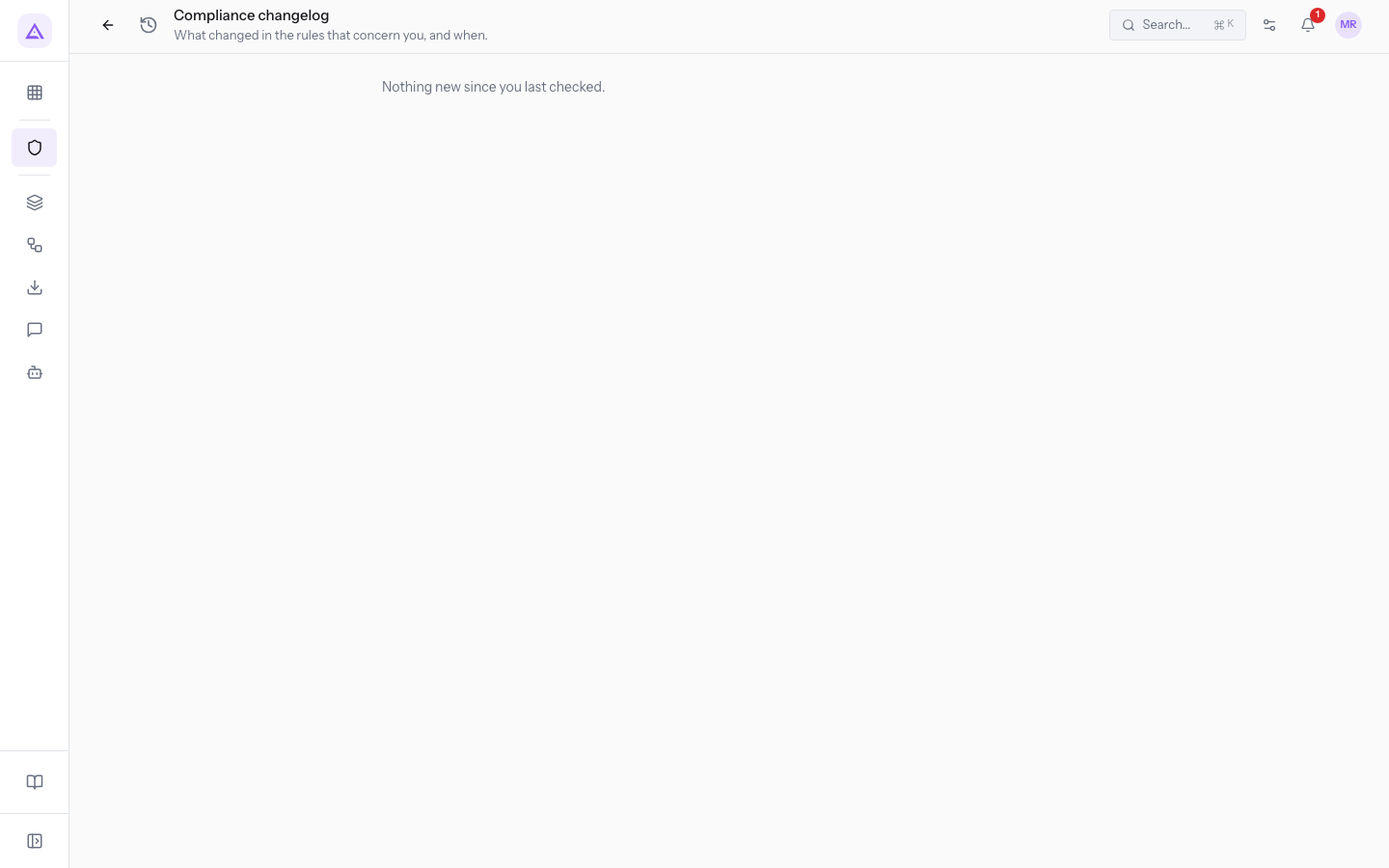
Reading updates
Unread updates are already visible in the overview, in the Unread catalog changes box.
- In the Compliance overview press Changelog.
- Read the entries. The page shows only what has been released since the last time it was opened.
Note: opening the page marks all shown updates as read. The Unread catalog changes box in the overview returns to 0 and on the next visit the page shows only updates that arrived afterwards. Read the entries before closing the page.
What to do after an update
The register recalculates automatically with the latest catalog release, from the company profile and from the questionnaire answers. After an update, check the outcome for the company and the answers it depends on.
- In the Compliance overview press Register and look up the standards mentioned in the updates: verify whether they apply to the company and update the status of the obligations that concern you.
- Press Questionnaire and check that the answers still describe the company. If a changed standard depends on an answer, correct it: the register recalculates immediately.
Tip: if the outcome of a standard remains uncertain because an answer is «Non sono sicuro», clarify the answer in the questionnaire to get an outcome in the register.
See it on your company, not on a slide deck.
In 30 minutes we map the software you use today.We show you how much work and how much margin Archimedes gives back.
Show me on my business →What industry are you in?
One tap — it lets us prepare the demo around your world.
What tools do you use today?
Pick the ones you recognise — or just type them. It helps us show you how they migrate.
Last step: your details.
We reply within one working day — and right after, if you like, you pick the demo slot yourself.
We couldn't send your request. Try again, or write to us at [email protected].
By sending, you agree to your data being processed so we can get back to you about the demo. Privacy notice.
Preview form — nothing is sent from this page.
Want to schedule the demo now?
Your call: book the slot you prefer yourself, or we'll call you to arrange it.
Live availability, 30 minutes, instant confirmation. The calendar opens in a new tab.
Lock in your slot ↗We'll get back to you within one working day — and we'll join the call already knowing your world.
The calendar is open in another tab: pick a slot and the demo is booked. Can't see it? Reopen it ↗
Preview page: nothing was sent.
Our calendar is live: take the slot that suits you and the demo is booked. 30 minutes, instant confirmation, no waiting.
Lock in your slot ↗