Field record book (QdC)
All modules
Confirm and sign operations
Field record book (QdC) · 8 of 15 · 6 min read
Every register operation goes through three states: Bozza, Confermata and Firmata. This article explains how to confirm and sign an operation and how to read the compliance check before signing. Once signed, the operation is the proof of the treatment register required by Legislative Decree 150/2012.
Note: these screens currently use Italian interface labels. The instructions preserve the names shown on screen; the screenshots show the same controls.
Operation states
The state appears next to the operation title and in the state column of the Operazioni register. To find operations to confirm or sign, choose the state in the Stato filter.
- Bozza: the newly registered operation. It can be edited with Salva and deleted with Elimina. The Workflow panel contains the Conferma button.
- Confermata: you advanced the operation after checking the saved data. This status does not certify that every treatment detail is complete. The operation remains editable with Salva, but the form no longer shows Elimina. The Workflow panel contains Firmatario (responsabile registro) and Firma.
- Firmata: the operation is read-only. It can no longer be edited or deleted.
The sequence is mandatory: you can only confirm a Bozza operation and sign only a Confermata operation. There is no going back on a signed operation.
Before you start: confirming and signing requires the Responsabile compilazione registro or Manager QdC permissions. The Utente QdC registers operations but does not sign or delete them.
Confirm an operation
Confirm the operation when the data is complete, that is the type, date, plots and operators. After confirmation, the form no longer shows Elimina.
- In the Operazioni register, choose Bozza in the Stato filter and open the operation with Apri operazione.
- Check the Dati operazione, Appezzamenti and Operatori panels. If you edit a field, press Salva before confirming.
- In the Workflow panel, press Conferma. The state becomes Confermata and the message «Operazione confermata» appears.
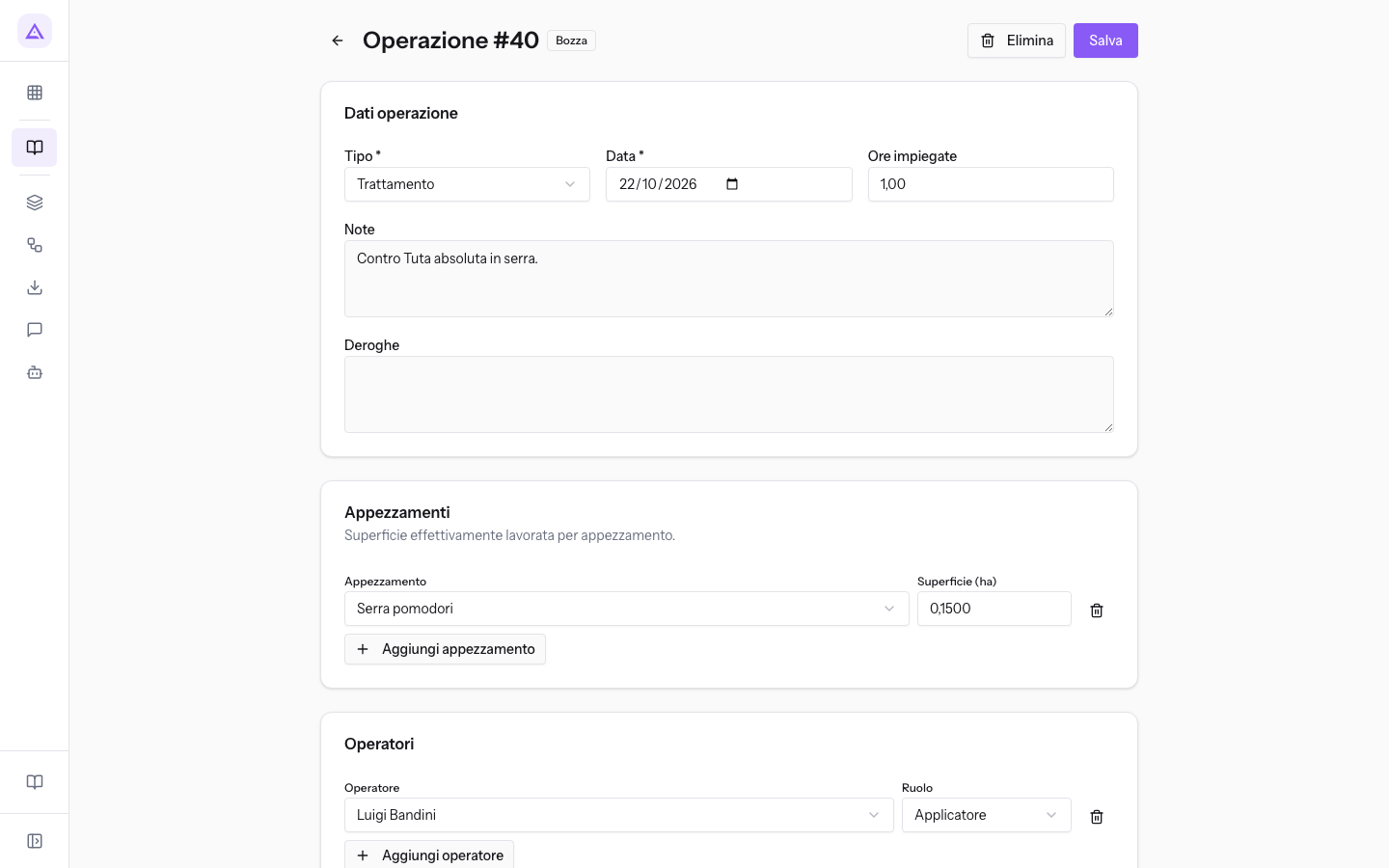
The draft treatment on Serra pomodori, with the note «Contro Tuta absoluta in serra.», still has the Elimina and Conferma buttons.
The compliance check
The system checks every unsigned operation and shows the Conformità panel when it finds anomalies. The check is repeated every time you open the operation, in Bozza and in Confermata. It does not appear on a signed operation.
The check reads the product’s current stored authorisation status; it does not reconstruct the status at the treatment date. It compares authorisation expiry, calibration expiry and threshold validity with the operation date. A product marked as revoked today can block signing an older unsigned operation. Check that the source data is correct.
Each anomaly has a label:
- Errore: the anomaly blocks signing. The panel has a red border and says «Anomalie bloccanti: la firma è disabilitata finché non sono risolte.» The Firma button remains disabled.
- Avviso: the anomaly is informational only. The panel says «Avvisi informativi: la firma resta possibile (il responsabile decide).» The person signing evaluates the warning and decides whether to sign.
The checks are as follows:
- Product revoked: Errore. The message is «Prodotto «…» revocato: trattamento non conforme.» This is the only implemented check with blocking severity.
- Product being revoked: Avviso. The message asks you to check the stock disposal deadline.
- Product authorisation expired before the operation date: Avviso.
- Equipment without registered calibration: Avviso (D.Lgs. 150/2012 art. 12).
- Equipment calibration expired before the operation date: Avviso.
- No active intervention threshold: Avviso. Applies to treatments with a target pest, when no threshold valid at the treatment date covers any of the plots and contains a rule for that pest. The bait treatment on olive groves, however, is justified by the threshold «Oliveti — mosca delle olive».
- No registered product: Avviso. Applies to treatments, elicitors, basic substances, mating disruption, post-harvest treatments, warehouse disinfection, fertilisations and seed dressing.
- Water volume (l/ha) not specified: Avviso. Applies to treatments, elicitors and basic substances. For irrigations, the warning indicates the missing irrigation volume.
- Seed batch code missing: Avviso. Applies to sowings and seed dressing.
- Label number or harvest batch missing: Avviso. Applies to harvests.
- Type not specified: Avviso. Applies to generic operations.
Choose how to proceed based on the label:
- If the panel shows an Errore, you cannot sign. The revoked product cannot be changed from the operation record.
- If the panel shows only Avviso, you can sign. Review the anomaly with the person responsible for the register first.
The confirmed treatment on Frutteto del Casale against green aphid uses Fosfotion 40 EC, which is revoked: signing is blocked. The expired calibration of the Irroratrice a barra 600 L used in the same treatment is only a warning.
Important: a product revoked after signing does not change the already-signed operation’s status, but Controllo annuale flags it.
Deroghe stores an explanation, but does not change the checks or validate an exemption. Being able to sign does not prove that the treatment record is complete. The current form has no editors for products, target pests, equipment or attributes such as water volume. Ask the person responsible for the register to investigate these corrections with support before signing.
Sign an operation
Signing closes the operation in the register. It records the signatory and the moment of signing, and from that point the operation can no longer be edited.
- In the Operazioni register, choose Confermata in the Stato filter and open the operation with Apri operazione.
- Read the Conformità panel, if present. With an Errore, the Firma button is disabled.
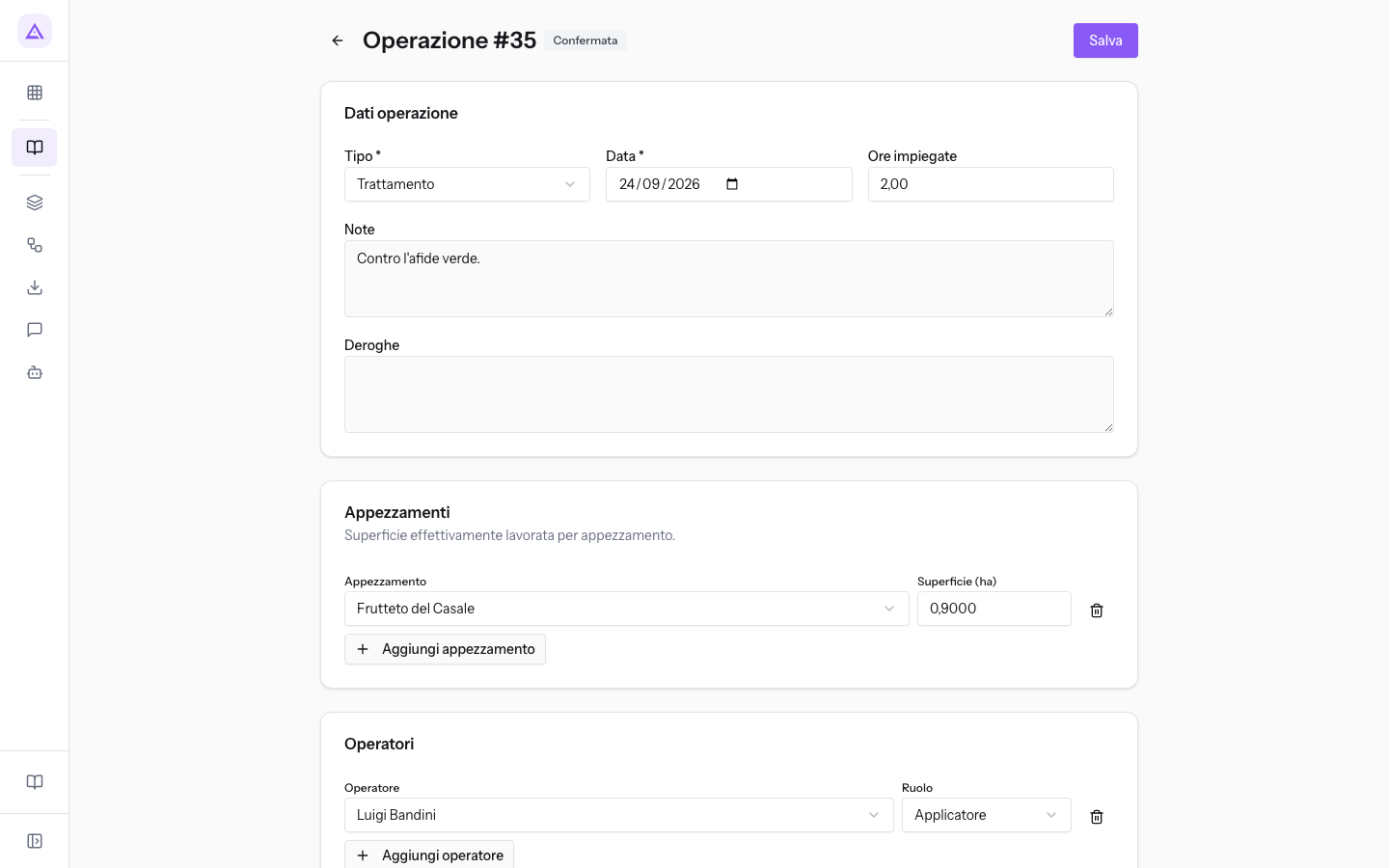
- In the Workflow panel, choose the employee in Firmatario (responsabile registro).
- Press Firma. The state becomes Firmata and the message «Operazione firmata» appears.
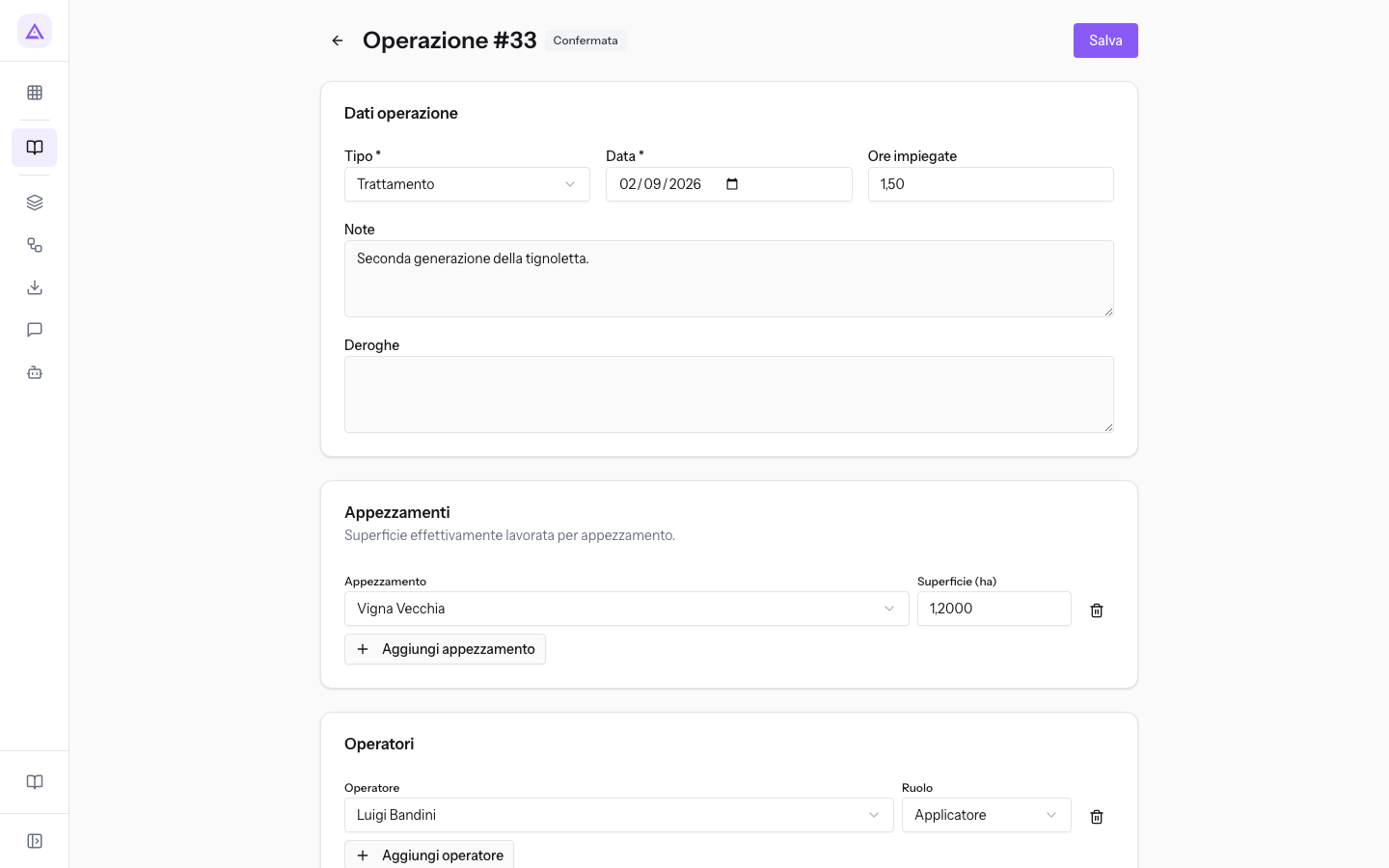
Fields in the Workflow panel on a confirmed operation:
- Firmatario (responsabile registro): the employee who signs. The field starts empty (—). If you press Firma without choosing one, the message «Seleziona il firmatario» appears. In the demo organisation, the register manager is Paolo Marchetti.
- Firma: signs the operation. It is disabled when the Conformità panel contains an Errore.
Note: before signing, save changes with Salva. The signature applies to the saved data.
A signed operation
A signed operation remains in the register as proof for Legislative Decree 150/2012. At the top of the record, the line «Operazione firmata il … — immutabile (registro D.Lgs. 150/2012). Sola lettura.» appears, with the signing date.
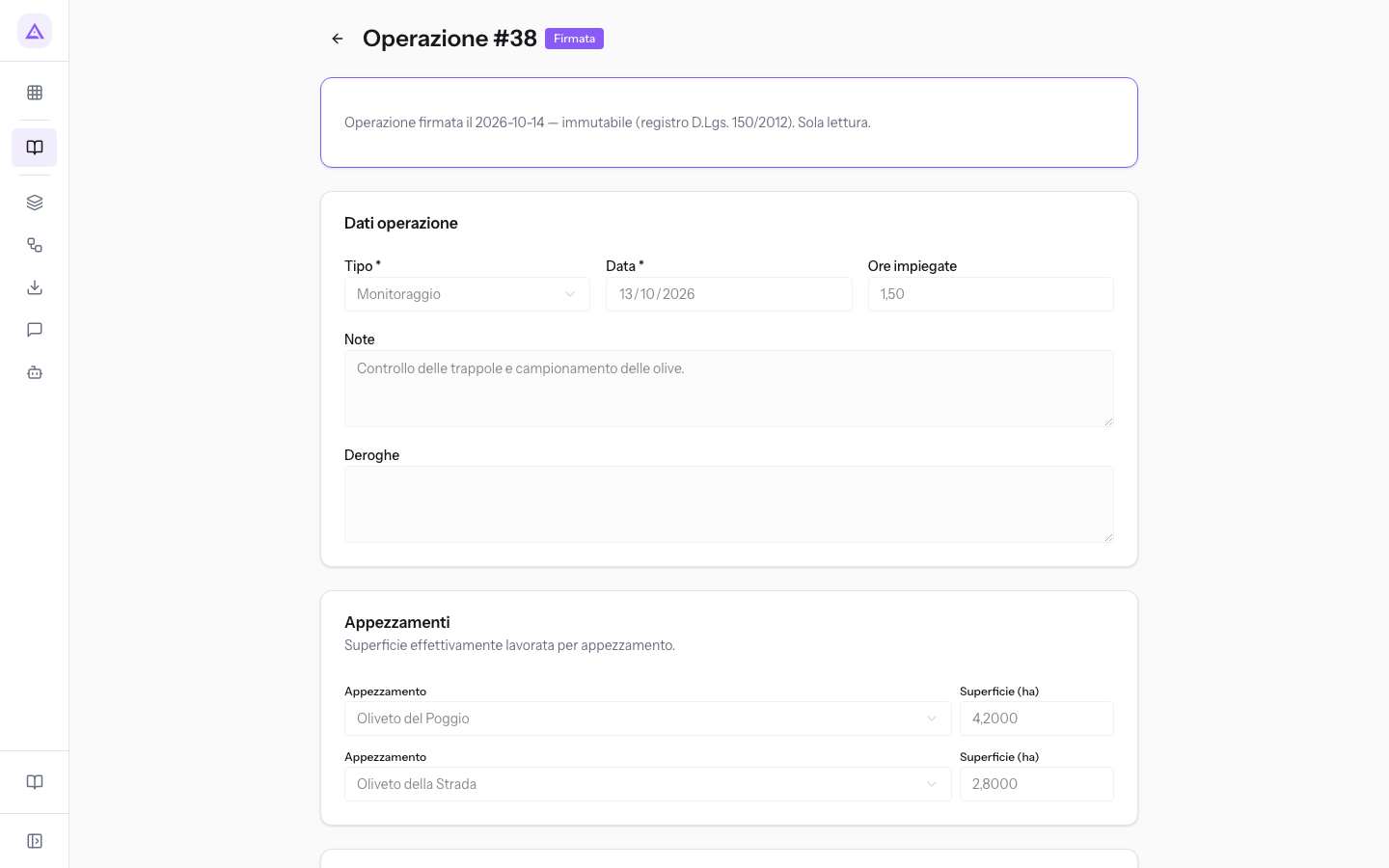
On a signed operation:
- all fields are disabled;
- Salva, Elimina, Aggiungi appezzamento and Aggiungi operatore are absent;
- the Conformità and Workflow panels do not appear.
The monitoring of Oliveto del Poggio and Oliveto della Strada, signed on 2026-10-14, opens in read-only.
See it on your company, not on a slide deck.
In 30 minutes we map the software you use today.We show you how much work and how much margin Archimedes gives back.
Show me on my business →What industry are you in?
One tap — it lets us prepare the demo around your world.
What tools do you use today?
Pick the ones you recognise — or just type them. It helps us show you how they migrate.
Last step: your details.
We reply within one working day — and right after, if you like, you pick the demo slot yourself.
We couldn't send your request. Try again, or write to us at [email protected].
By sending, you agree to your data being processed so we can get back to you about the demo. Privacy notice.
Preview form — nothing is sent from this page.
Want to schedule the demo now?
Your call: book the slot you prefer yourself, or we'll call you to arrange it.
Live availability, 30 minutes, instant confirmation. The calendar opens in a new tab.
Lock in your slot ↗We'll get back to you within one working day — and we'll join the call already knowing your world.
The calendar is open in another tab: pick a slot and the demo is booked. Can't see it? Reopen it ↗
Preview page: nothing was sent.
Our calendar is live: take the slot that suits you and the demo is booked. 30 minutes, instant confirmation, no waiting.
Lock in your slot ↗